Skip to content

From listing photos to a reel that sells

Upload photos and the listing text. Nadlaniko furnishes empty rooms, brings the photos to life and puts a presenter inside the home talking to camera — you or an AI presenter — then posts it for you on Facebook, Instagram, LinkedIn, YouTube and TikTok.

Monthly plan or credits · Cancel anytime in the app

  • 45 s · 9:16
  • In the agent's voice
  • Virtual staging
  • Word-by-word captions

Empty photo at breakfast. Reel by lunch.

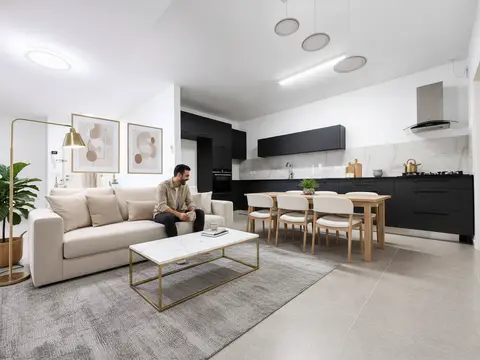
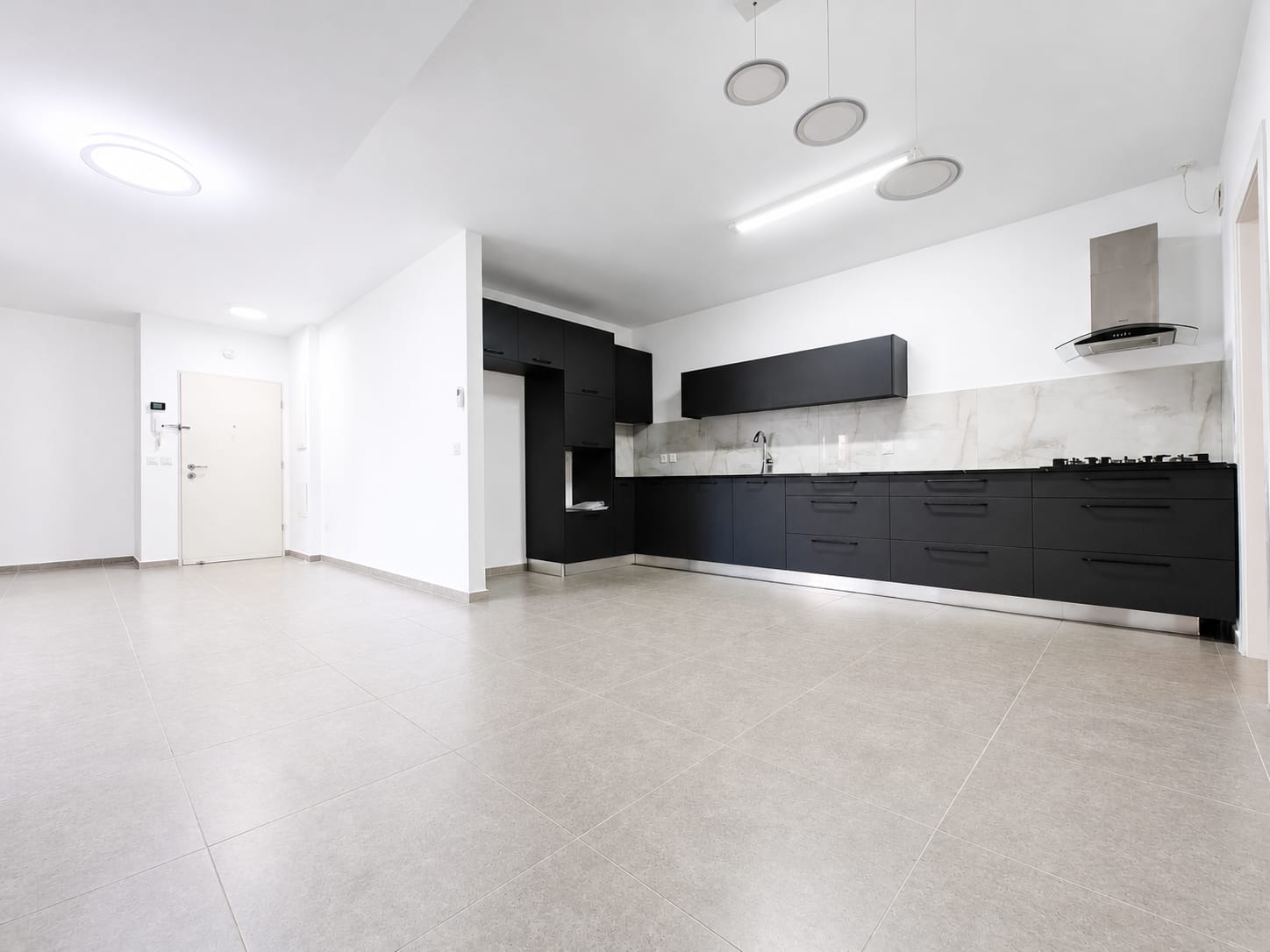
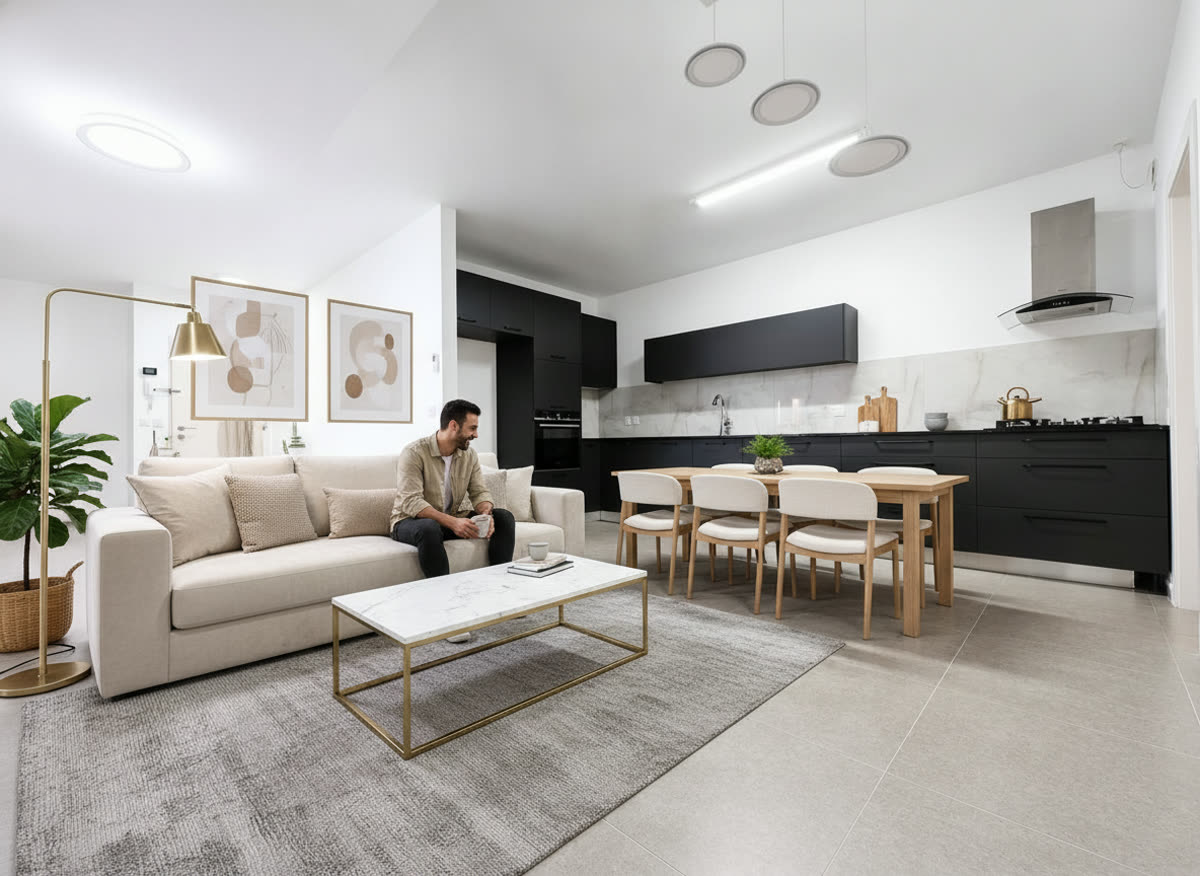
Same room, four stages. All from the photo you took on your phone.

Empty living room, plain phone shotFurniture and people — labeled “Virtually staged”
Virtually staged

Who should present your listings?

Same listing, different presenters. Different faces draw different audiences — pick the one that gets you the most views.

You yourself — you are the real brand!

One selfie and a short recording — and you present your own listings, walking and talking inside the property, in your own voice.

  1. One selfie
  2. 30 seconds of your voice
  3. The listing photos
Take a selfie or upload a photo

Takes about 2 minutes: a selfie, 30 seconds of talking and your listing photos.

A cartoon character

An animated character that stops the scroll and stands out among all the apartments in the feed.

MikaCartoon characters
Choose Mika

Your own character

Describe it in words, and we'll create a presenter unique to your brand.

Age
Style
Clothing

Your description is saved — once your account is open it's waiting in the character creator.

Same listing, two ways to present it

A bubble or your own character?

No AI presenter

Presenter in a bubbleGets the job done!Your photo and voice in a live circle · 50 credits · no lip-sync

With your own character

You, inside the homeDoubles and triples the impactWalking and talking through the rooms, lip-synced · 100 credits

Same duplex in Yavne, same voice, same script. The only difference is who presents it.

Nova vs. Coral: who brings you more?

Nova is sure she brings more views. Coral is sure she brings more leads. The only way to know: try both on the same listing — and let your audience decide.

See all presenters

Three steps. No editor, no videographer.

  1. Upload the listing

    Phone photos and the listing text. Choose who presents: you (a selfie and a recording, one time) or a presenter from the gallery.

  2. Nadlaniko produces it

    A hook-first script, staging for empty rooms, moving photos, you inside the home, captions, music and your brokerage logo.

  3. Approve and post

    Read the script, change a word if you like, and schedule to every network at once — or let Autopilot run it.

See the full process

Which look fits your agency?

The same listing in 26 different designs — luxury, young and fast, or classic. Pick one, and switch any time with a click, without paying for the video again.

All templates

Post once. Autopilot keeps going.

Connect your accounts once. Autopilot suggests a good posting time for every network — you approve, and the reel goes out on schedule.

  • Instagram
  • Facebook
  • TikTok
  • LinkedIn
  • YouTube
  • Facebook, Instagram, LinkedIn, YouTube and TikTok — one click. Reddit coming soon
  • A teaser, a full tour and a SOLD! reel for the same listing
  • A caption and hashtags for every post, with a link to the listing's page
  • Price drop or open house? Edit the on-screen text and the reel re-renders
Sample posting calendar

The video in your buyers' language

Write the listing in any language and choose the video's language. Video already done? Convert it to another language for a few credits — same photos, new voiceover and captions.

  • עברית
  • English
  • العربية
  • Русский
  • Français
  • Español
  • Deutsch
  • Italiano
  • Ελληνικά

More than videos: everything that turns a reel into a deal

The reel catches the eye. What happens after the click — a page for the listing, an organised lead and a meeting in your calendar — is already inside Nadlaniko, in the same account.

  1. Reel on social
  2. Listing landing page
  3. Lead lands in the CRM
  4. Meeting in your calendar

A landing page for every listing

Every listing gets a luxury mobile page with the reel, the photos, the details and your brand. Send one link on WhatsApp, Facebook or Instagram — and interested buyers leave their details.

What you get

  • The reel, the original photos and every listing detail on one page
  • A polished link preview when you share it on WhatsApp, Facebook and Instagram
  • A contact form that goes straight into your CRM
  • Extra exposure on Nadlaniko's listings page and on your own agent page
See a live example: Dubdevan Real EstateDubdevan's agent page

The listing itself is written in Hebrew; the page's buttons and form follow the visitor's language.

The landing page of a duplex in Yavne on a phone: reel, price, listing details and the agent's details

Screenshot of a real listing page

Your listings area

Every listing you market, in one place. For each one: photos, details, AI ad-copy suggestions and marketing ideas, its reels, publishing to social networks and its status.

Add your first listing

What you get

  • A card for every listing: photos, details, price and status
  • AI suggestions for the ad copy, plus marketing ideas
  • The listing's reels and social publishing from the same screen
  • Views and leads for every listing at a glance
  • Import a listing from a link to your Facebook / Marketplace post — text and cover photo included

Illustration · demo data

A CRM for your leads

Every lead from a landing page, the chatbot, a booking form or one you add yourself goes into one list — with the listing they asked about and what they're looking for.

What you get

  • Listing, area, budget, rooms and when they plan to buy
  • Seriousness: hot, warm or cold
  • Pipeline stage: new, contacted, meeting, offer, closed
  • An email to you on every new lead
Open a free account

Illustration · demo data

Meetings straight to your calendar

The bot and the “book a visit or a call” form on the listing page book meetings on their own, only in your free slots — and they land in Google Calendar.

The booking form comes with every plan; booking through the chatbot comes with the AI chatbot.

What you get

  • Automatic booking, only in your free slots
  • Google Calendar sync: busy times are blocked, meetings are added
  • A viewing or a phone call — the buyer chooses
  • A calendar view inside the app

Illustration · demo data

The seller sees you posting their home

A reel isn't just an ad. It's proof you'll work for the exclusive.

Win more listings
Send the owner a 30-second “here's how I'll market your home” reel before they sign. The agent who shows up with a reel wins the room.
Hours back
A videographer takes days and can charge $500–$1,200 a video. Here it's a few minutes of your time, on your phone, between showings.

Always on
Posting regularly keeps you in the feed. Schedule ahead and the posts go out even in the week you can't breathe.
No camera fear
Rather not be on screen? A gallery presenter or a cartoon character presents the home for you, with the script already written.

What does one reel really cost?

Compared with what agents use today.

NadlanikoVideographer / editorCapCut / CanvaGeneric avatar tools
Cost per videoFrom $14 (Agency)$500–$1,200$0–$20/mo + your time$29+/mo
Your timeMinutesScheduling, shoot, revisions1–3 hoursAn hour+
You inside the home, in your voiceYesOnly if you're filmedNoGeneric background
Staging for empty roomsYesNoNoNo
Word-by-word captions in any languageYesDepends on editorManualPartial
Posting & scheduling to every networkYesNoNoNo

The price of one edited video — for a whole month

A monthly plan with auto-renewal — cancel anytime in the app. Extra credits are available to subscribers.

  • Starter

    $199/ month

    Billed monthly, cancel anytime

    1,000 credits every month

    = up to 10 videos up to 30 s with a talking presenter — or 5 of 31–60 s

    or up to 20 with a character in a bubble (10 of 31–60 s)

    AI presenter or animated character, lip-synced · one credit pool — mix freely · a 31–60 s video counts as 2

    Every video is made automatically in 3 formats — 9:16 · 1:1 · 16:9 — at no extra credits

    • Up to 1,000 clients in the CRM
    • 10 live landing pages
    • 100 chatbot conversations / month
    • 1 user
    • 1 calendar
    • A talking AI presenter or animated character (lip-synced) — or you in a bubble, in your own voice
    • Basic bot that captures leads
    • Meetings, Google Calendar & pixels
  • Professional

    Most popular

    $349/ month

    Billed monthly, cancel anytime

    2,000 credits every month

    = up to 20 videos up to 30 s with a talking presenter — or 10 of 31–60 s

    or up to 40 with a character in a bubble (20 of 31–60 s)

    AI presenter or animated character, lip-synced · one credit pool — mix freely · a 31–60 s video counts as 2

    Every video is made automatically in 3 formats — 9:16 · 1:1 · 16:9 — at no extra credits

    • Up to 3,000 clients in the CRM
    • 30 live landing pages
    • 400 chatbot conversations / month
    • 3 users
    • 1 calendar
    • You inside the property, lip-synced
    • Your cloned voice
    • AI bot that books meetings
    • Branded agency page
  • Agency

    Best value

    $699/ month

    Billed monthly, cancel anytime

    5,000 credits every month

    = up to 50 videos up to 30 s with a talking presenter — or 25 of 31–60 s

    or up to 100 with a character in a bubble (50 of 31–60 s)

    AI presenter or animated character, lip-synced · one credit pool — mix freely · a 31–60 s video counts as 2

    Every video is made automatically in 3 formats — 9:16 · 1:1 · 16:9 — at no extra credits

    • Up to 10,000 clients in the CRM
    • 100 live landing pages
    • 1,200 chatbot conversations / month
    • 10 users
    • 1 calendar
    • Everything in Professional
    • The most credits, landing pages and bot chats
    • Team: manager approval, a shared listing library and per-agent reports
    • Coming soon: lead distribution, per-agent calendars

All plans

FAQ

Didn't find your answer? Write to us and we'll get back to you.

What exactly do I get?

A 30–45 second reel in 9:16 (plus 1:1 and 16:9): staged rooms, moving photos, a presenter — you in your own voice, or a gallery presenter — walking through the home or in a bubble (depending on your plan), big captions, music, your logo and an end card with your phone number.

I hate being on camera. Is this for me?

It's made for you. Choose a gallery presenter, a cartoon character or one you create — and they present the home for you. Want to appear yourself? One selfie and a 30-second recording, once.

Can I switch presenters?

Yes, on any video. You can even produce the same listing with several presenters and see which one gets more views.

Does the video really look like the home?

Yes. Staging adds furniture and people but never changes walls, floors, windows or views. Every staged shot is labeled “Virtually staged”, and the original photo stays downloadable.

Which languages?

Hebrew, English, Arabic, Russian, French, Spanish, German, Italian and Greek. Write the listing in any language and choose the video's language — and a finished video can be converted to another language with credits.

How long does a reel take?

Your part takes a few minutes. Production runs in the background, and the reel appears in your videos, ready to approve, when it's done.

FAQ

Your next listing is ready for its close-up

Open an account, choose a plan or credits, and upload your first listing.

New agents only

8 videos with your face and voice

A property video in 4 versions, 2 translations and a marketing video for your agency — one payment.

  • 4 property videos
  • ENESFR2 translations
  • 1 marketing video
  • Exclusivity pitch or another property
700 credits$105$99
See the bundle