(New feature)From plan to reel
Still under construction? Sell it now
Upload the floor plan and Nadlaniko returns a finished reel: a photorealistic rendering of every room, a top-down view of the whole apartment, room-to-room walk-throughs, narration, captions and music — with a presenter or without.
Floor-plan reel: 100 credits without a presenter · 160 with a presenter talking inside the home
From the plan to the rendering
Click a room on the plan: the rendering changes, and the arrow shows where it was shot from and which way it looks.
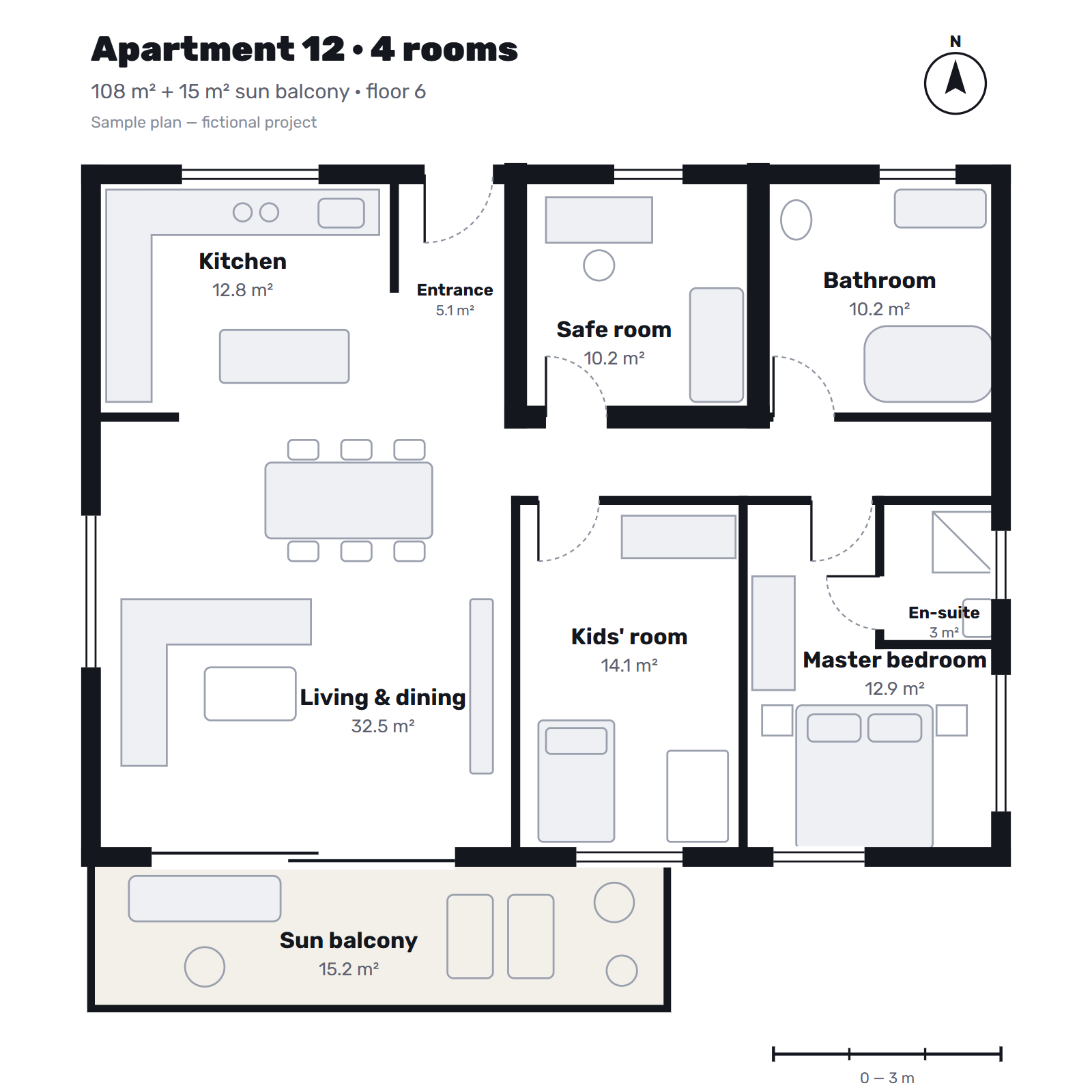
Arrow keys move between rooms
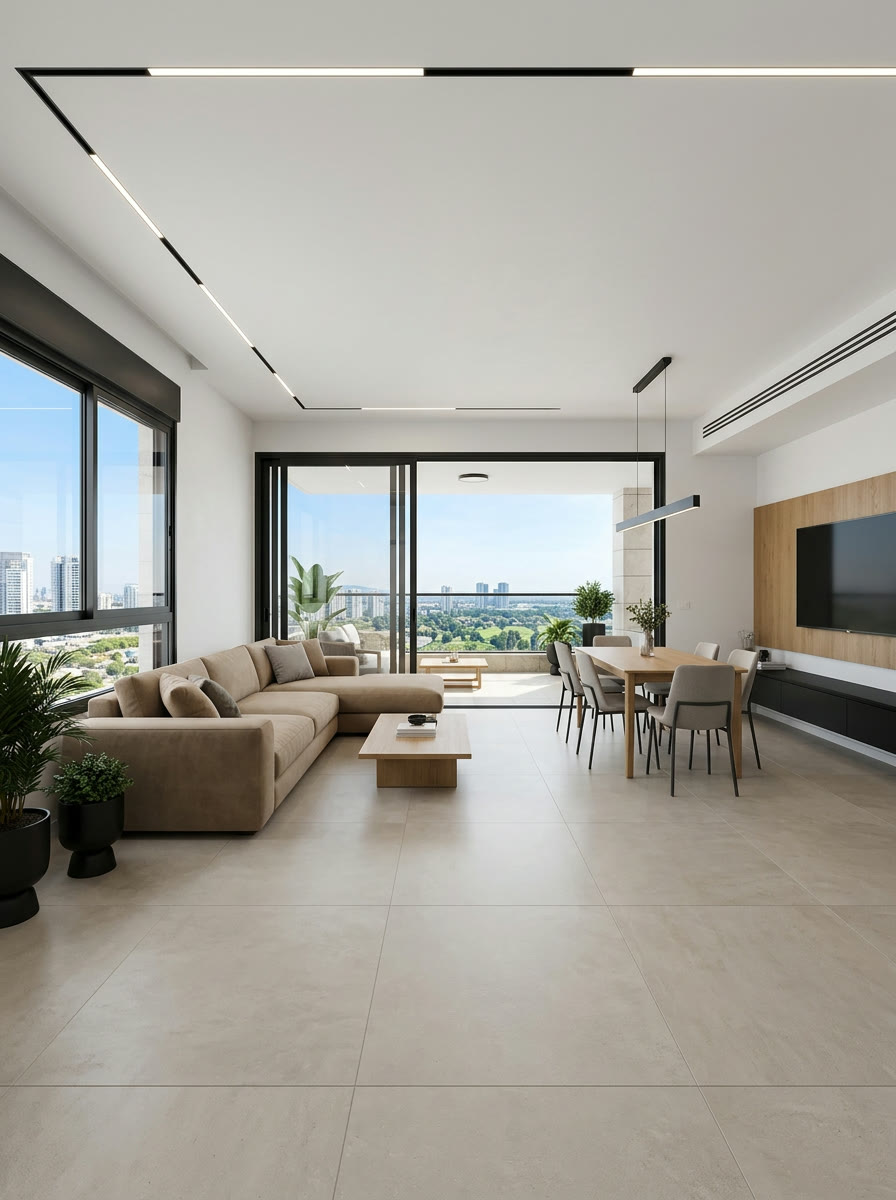 Rendering — for illustration only
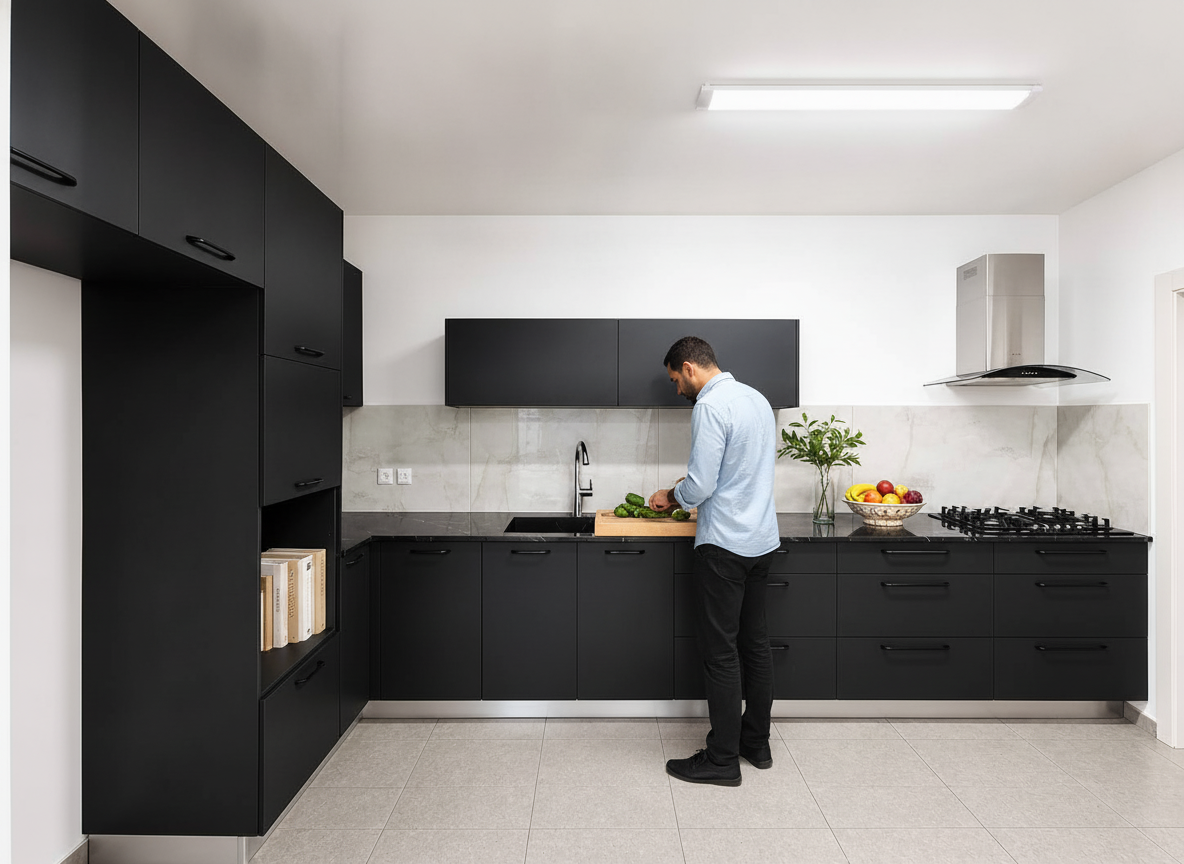
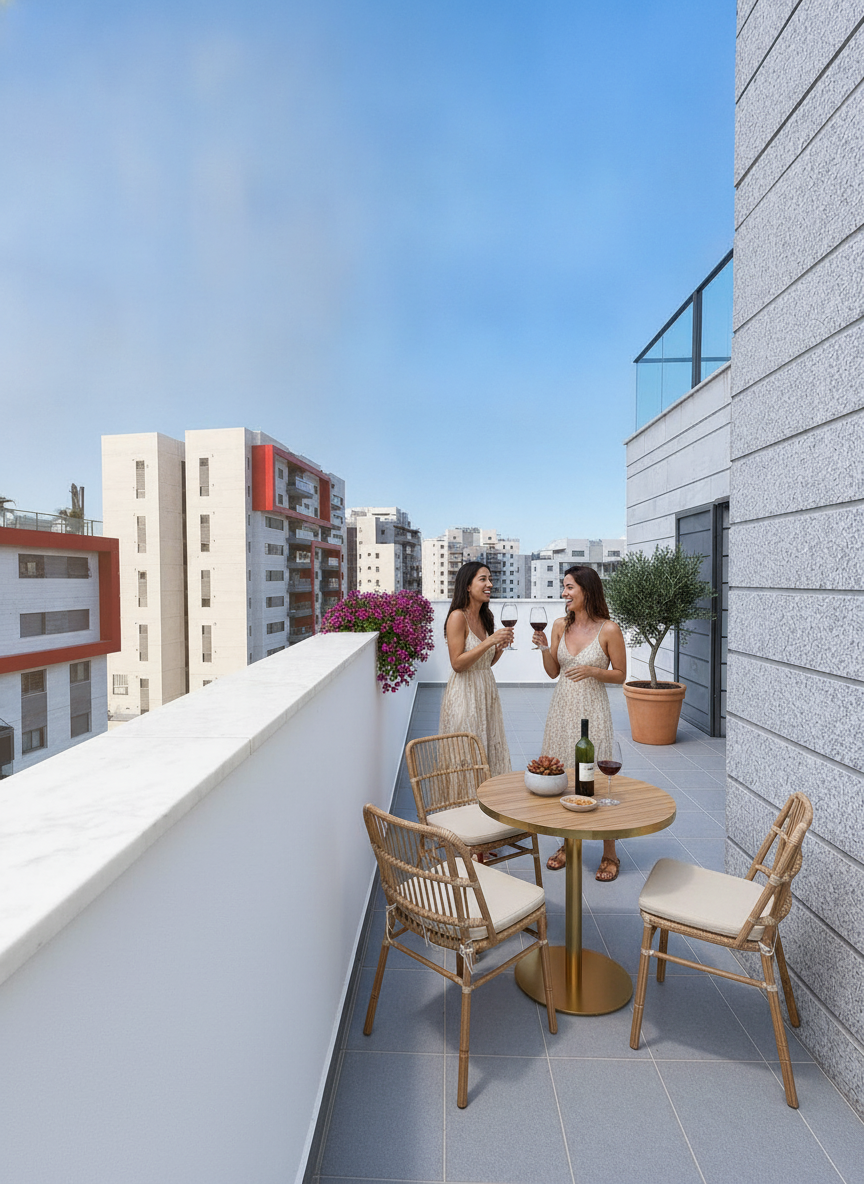
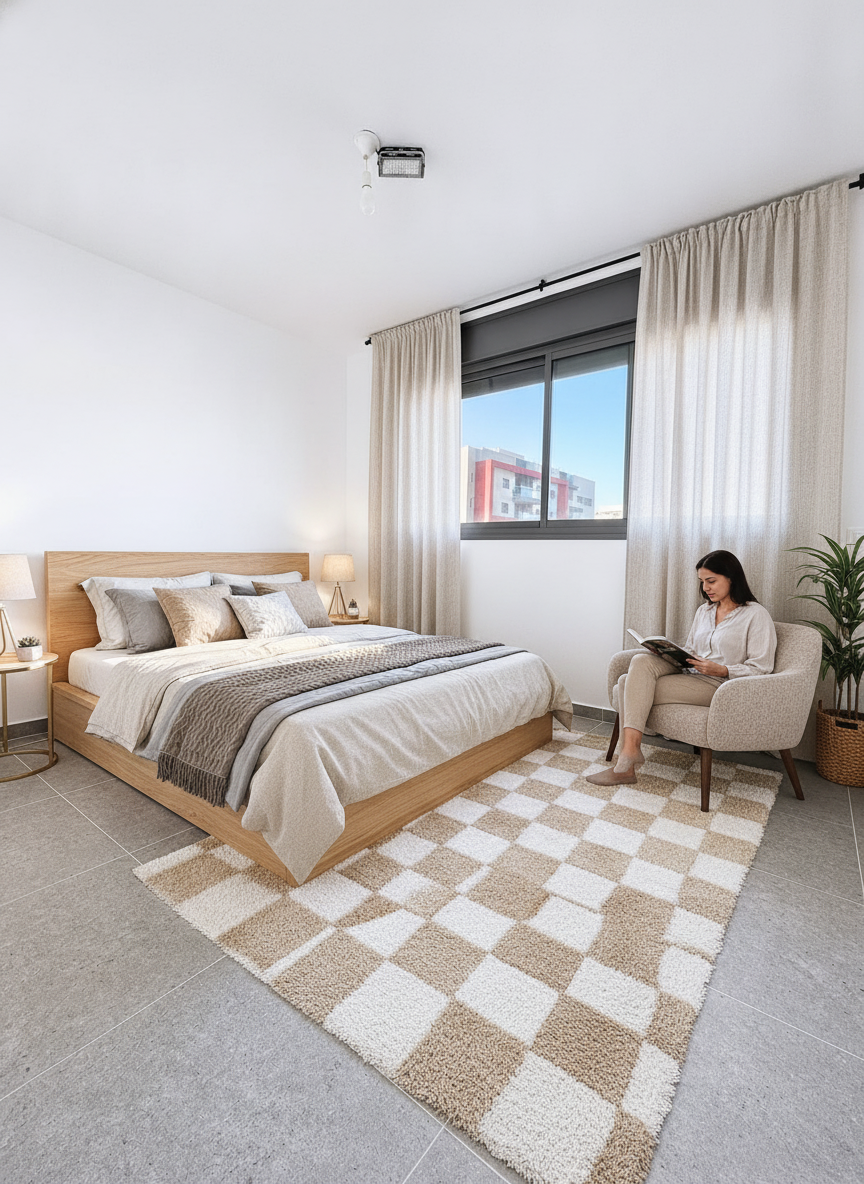
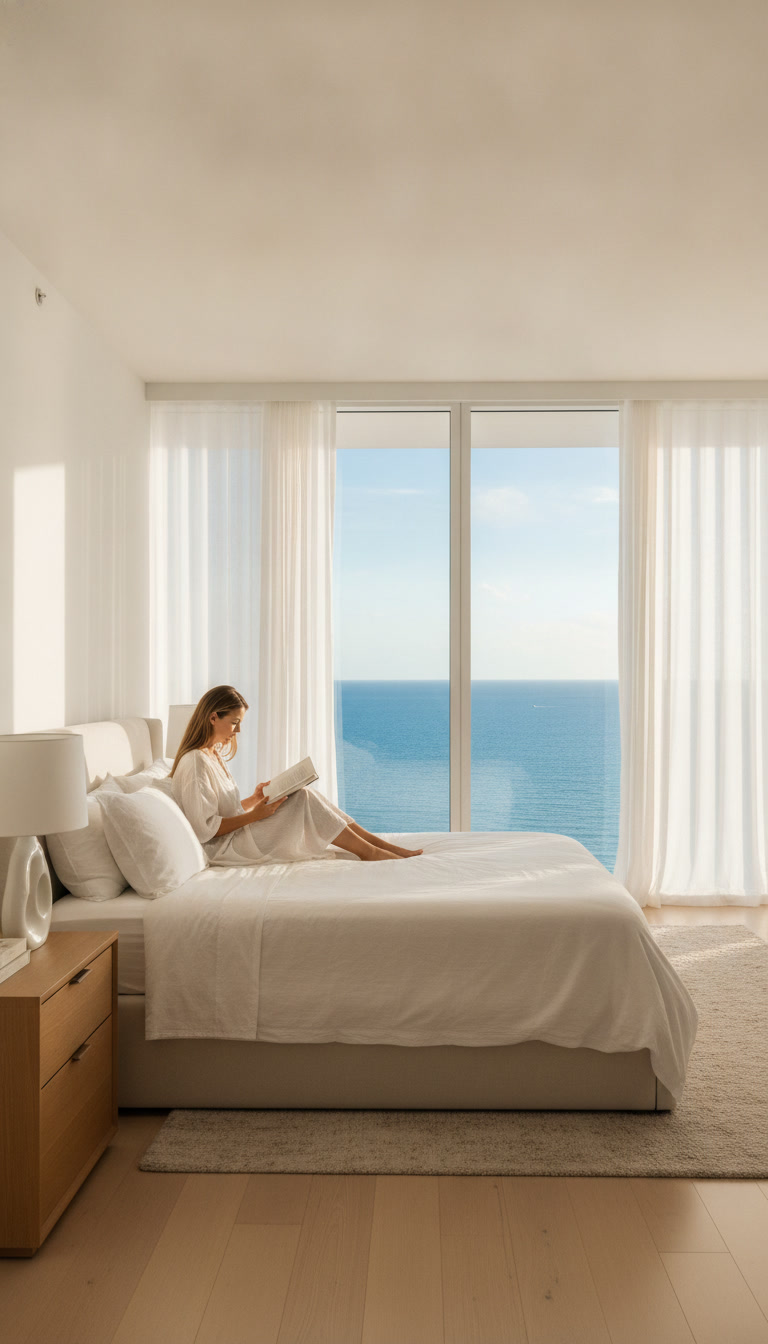
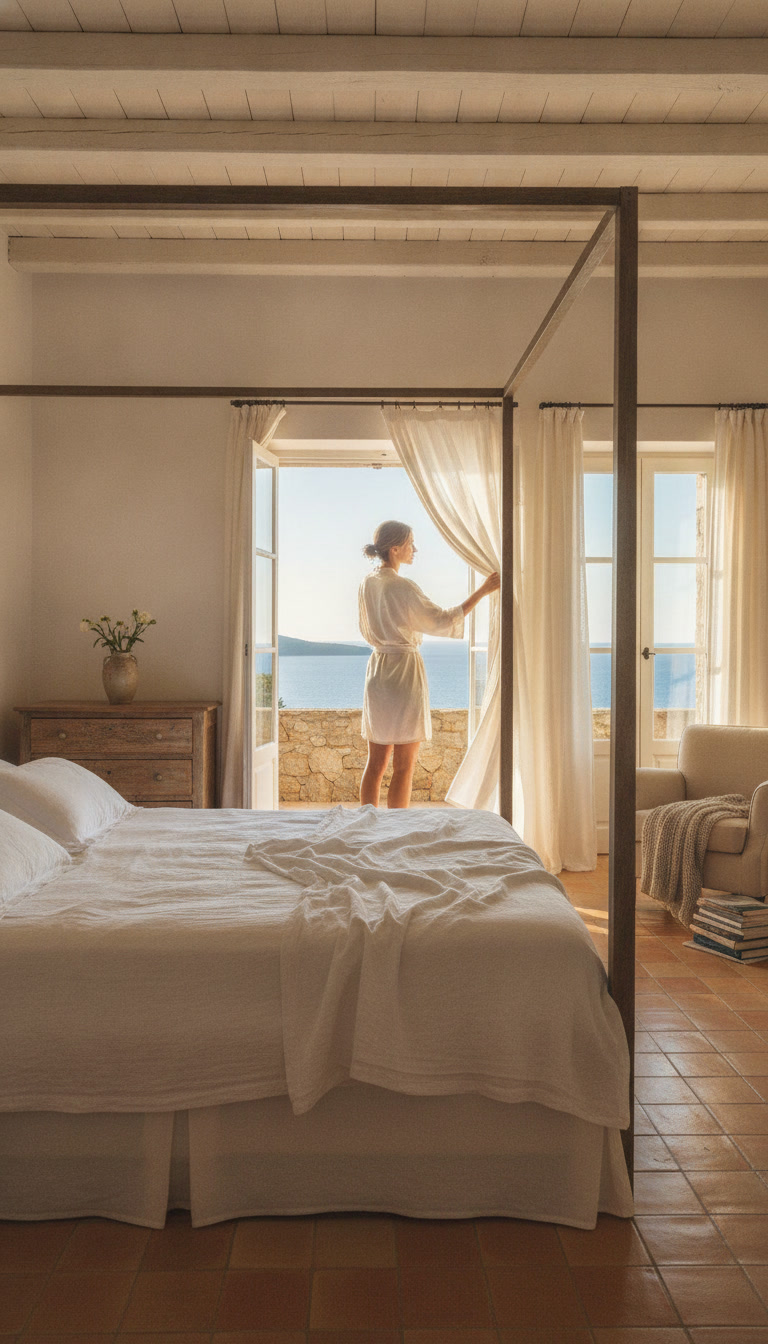
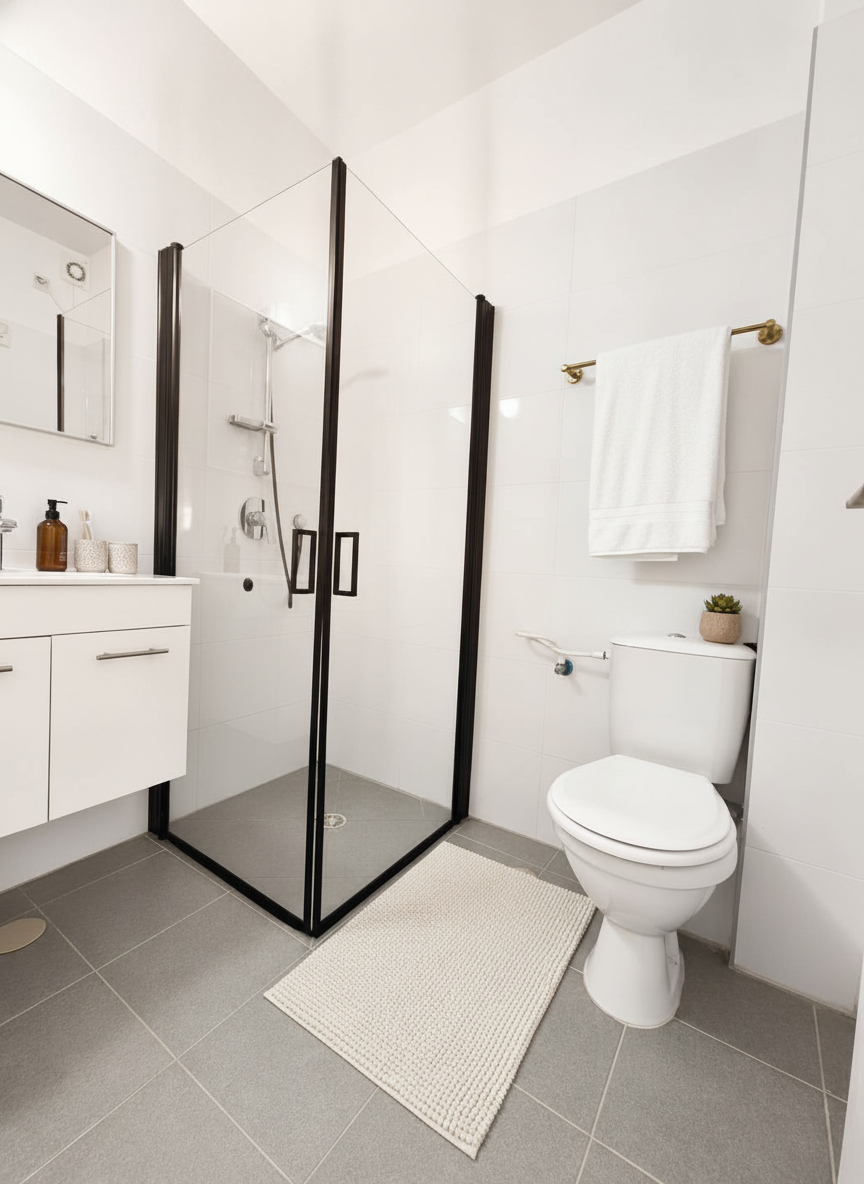
Add life
One click turns a rendering into a clip: a gentle camera move and people living in the home — 15 credits a room.
From plan to reel in three steps
Upload the plan
The architect's PDF or a photo of the plan, plus a few facts: rooms, size, floor and which way it faces.
Check the rooms
The AI reads the plan and lists the rooms in a natural tour order. Rename, reorder and pick an interior style.
Get the reel
A rendering of every room, a top-down view, narration and captions — in 9:16, 1:1 and 16:9, ready to post.
What you get
- A photorealistic rendering of every room, following the plan's windows and doors
- A 3D top-down view of the whole apartment
- The plan itself rises into 3D at the start, lighting the rooms along the tour
- Room-to-room moves, like walking through the home
- Narration in your voice or a presenter's, captions and music
- Three formats: 9:16, 1:1 and 16:9
- A landing page for the unit with tabs: film, floor plan, renderings and details
- Every file in full resolution to download (ZIP)
Five interior styles
- Modern
- Scandinavian
- Luxury
- Mediterranean
- Warm minimal
What it costs
A floor-plan reel costs 100 credits without a presenter or with the presenter in a bubble, and 160 credits with a presenter talking inside the home — for a reel up to 30 seconds; a 31–60 second reel adds one more video. If anything fails on the way, the credits come back to you.
- credits without a presenter / in a bubble
- 100
- credits with a talking presenter
- 160
Who it's for
Developers and builders
A reel for every unit type from day one of pre-sales, without waiting for a show apartment.
New-project marketing teams
Social and website assets within hours, in every language, with the project's logo.
Agents selling off-plan
A home that isn't built yet gets a video tour you can send to buyers on WhatsApp.
Questions
Which file should I upload?
PDF, JPG, PNG or WebP up to 25 MB. In a multi-page PDF, pick the page with the apartment.
How faithful are the renderings to the plan?
Each rendering is built from the plan and that room's part of it: proportions, windows, doors and balconies. It is a rendering for illustration — finishes, furniture and the view may differ in reality.
Why does every frame say "Rendering"?
Off-plan marketing customarily states that images are renderings for illustration only. Every frame is labelled, and the end of the reel carries a disclaimer line — in every language.
Can we add the building rendering we already have?
Yes. Upload a rendering or photo of the building and the project's logo; they go into the opening and the end card.
Can I change the rooms the AI found?
Of course. Before you pay you see the room list, edit names, sizes and order, and choose what goes into the reel.
How long does it take?
Usually 10–20 minutes from confirming, depending on the number of rooms.
The home isn't built yet. The reel is.
Upload a plan and get a reel ready to post — in nine languages.
Renderings for illustration only; the final product may differ.