From the reel to the closing
Nadlaniko isn't just a video maker. It's the whole road: the reel, steady posting on social, your own listing page, the CRM and the buyer–seller matches — in one place, so more owners choose you and more buyers come straight to you.
One-minute film
Everything Nadlaniko gives you, in one minute
Nadlaniko Beta · global launchStarter — Global Launch Offer₪495 / monthSee the offer
Nadlaniko Beta · global launch
Starter — Global Launch Offer
Nadlaniko Beta is launching worldwide. The first 100 agents in each country get the full Starter plan at a launch price every month, for as long as the subscription stays active — and this price won't come back.
1,000 credits every month
10videos with YOUR character as a talking presenteror a presenter of your choice from the galleryIncludes lip-sync to the speech

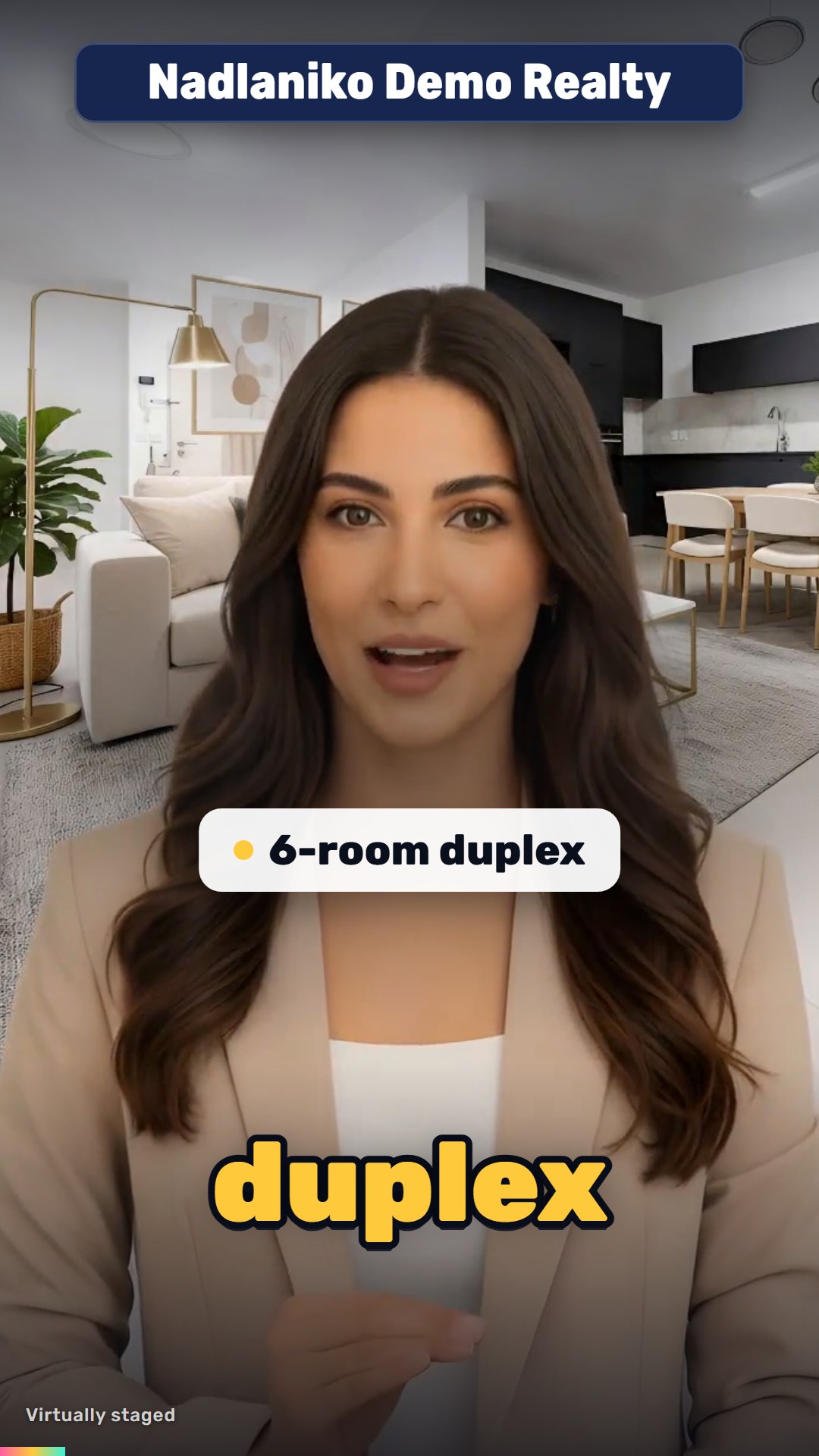
20videos with YOUR character in a bubbleNo lip-sync

Every month: 1,000 credits = up to 10 videos up to 30 s with a talking presenter, or 5 of 31–60 s
Every video is up to 30 seconds. A 31–60 second video counts as 2 videos.
One credit pool — mix them as you like · a 31–60 s video counts as 2
Every video is made automatically in 3 formats — 9:16 · 1:1 · 16:9 — at no extra credits
Automatic scheduling for distribution on social networks — included in the subscription
- Not just reels: scheduled reels that keep posting to your networks — for a steady flow of seller and buyer inquiries
- Automatic meeting booking from the property page — straight into your Google Calendar
- Automatic matching between your buyers and your properties
- A CRM with a file for every client
- Beta: launch members keep the price locked for as long as they stay subscribed
- Monthly subscription that renews automatically — cancel anytime from your account
New features keep coming — and you can request what you need. What's new & feature requests
Cancelled, let it run out and came back? Switched to another plan or to yearly billing? From then on, the regular price applies. Offer terms
One system. One loop.
Every stage feeds the next: the reel brings exposure, exposure brings inquiries to your page, inquiries land in the CRM, matches move deals forward — and every closing becomes a reel that brings in the next owner.
Stage 1 of 9
Create the reel — no videographer, no editor
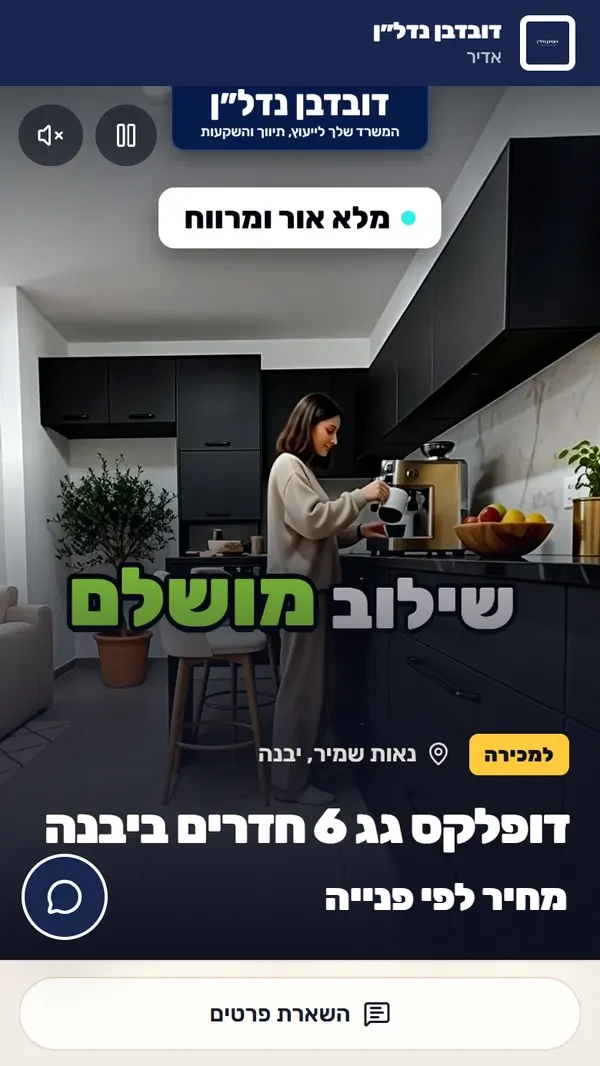
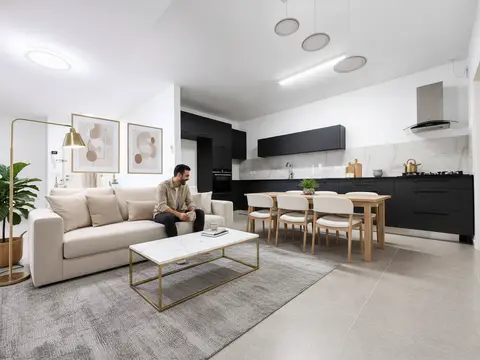
Upload phone photos and a few words about the property, or paste the listing link. Nadlaniko writes a hook-first script, stages empty rooms, sets the photos in motion and puts a presenter in the video — walking through the home or in a bubble over it — you, in your own voice, or a presenter from the gallery. Selling off-plan? Upload the floor plan and get renderings of the rooms.
- 19 reel designs — switch with a click
- 9 languages, and a finished video can be converted to another
- Choose the presenter's quality level
- Every video in 9:16, 1:1 and 16:9
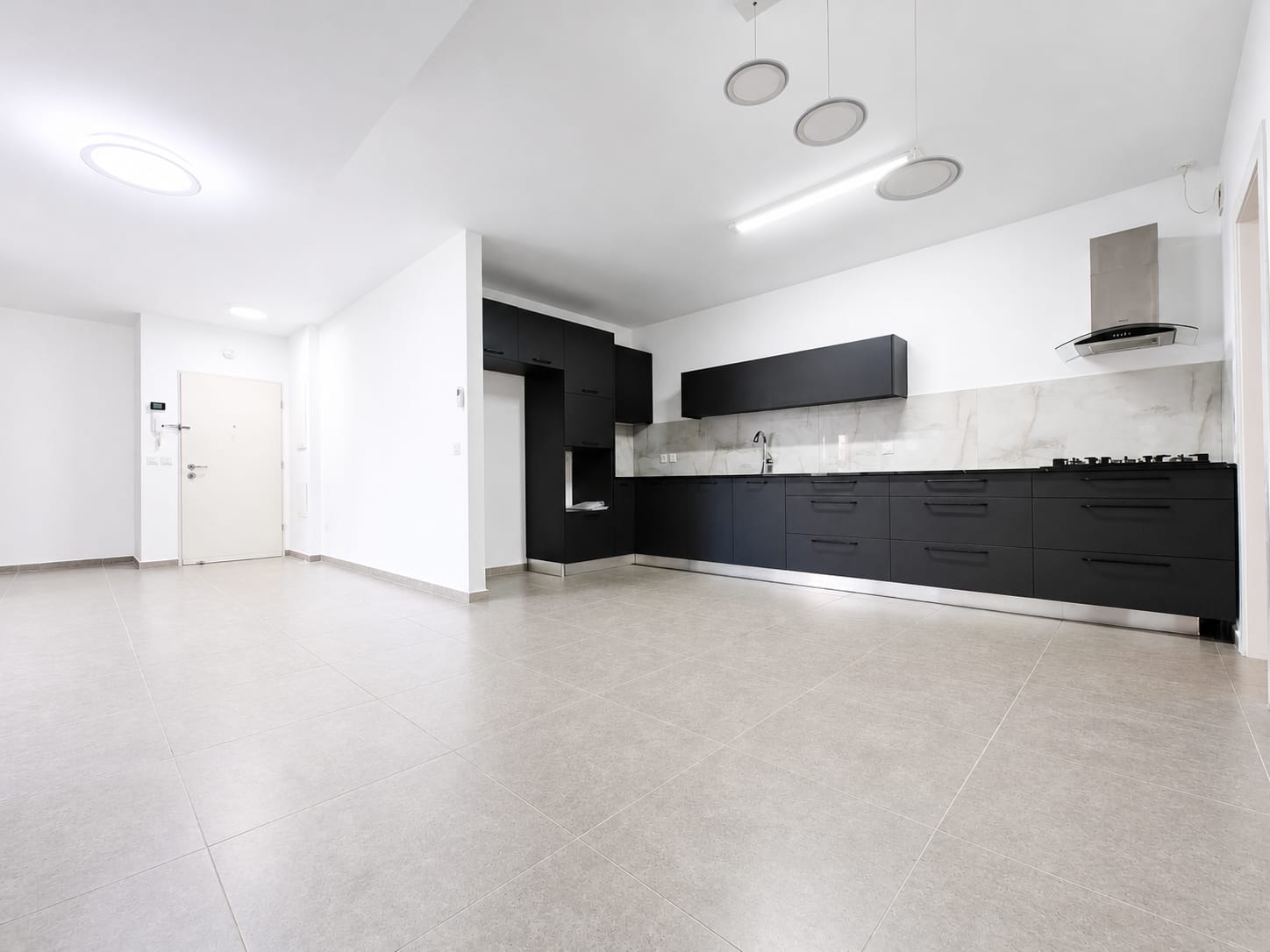
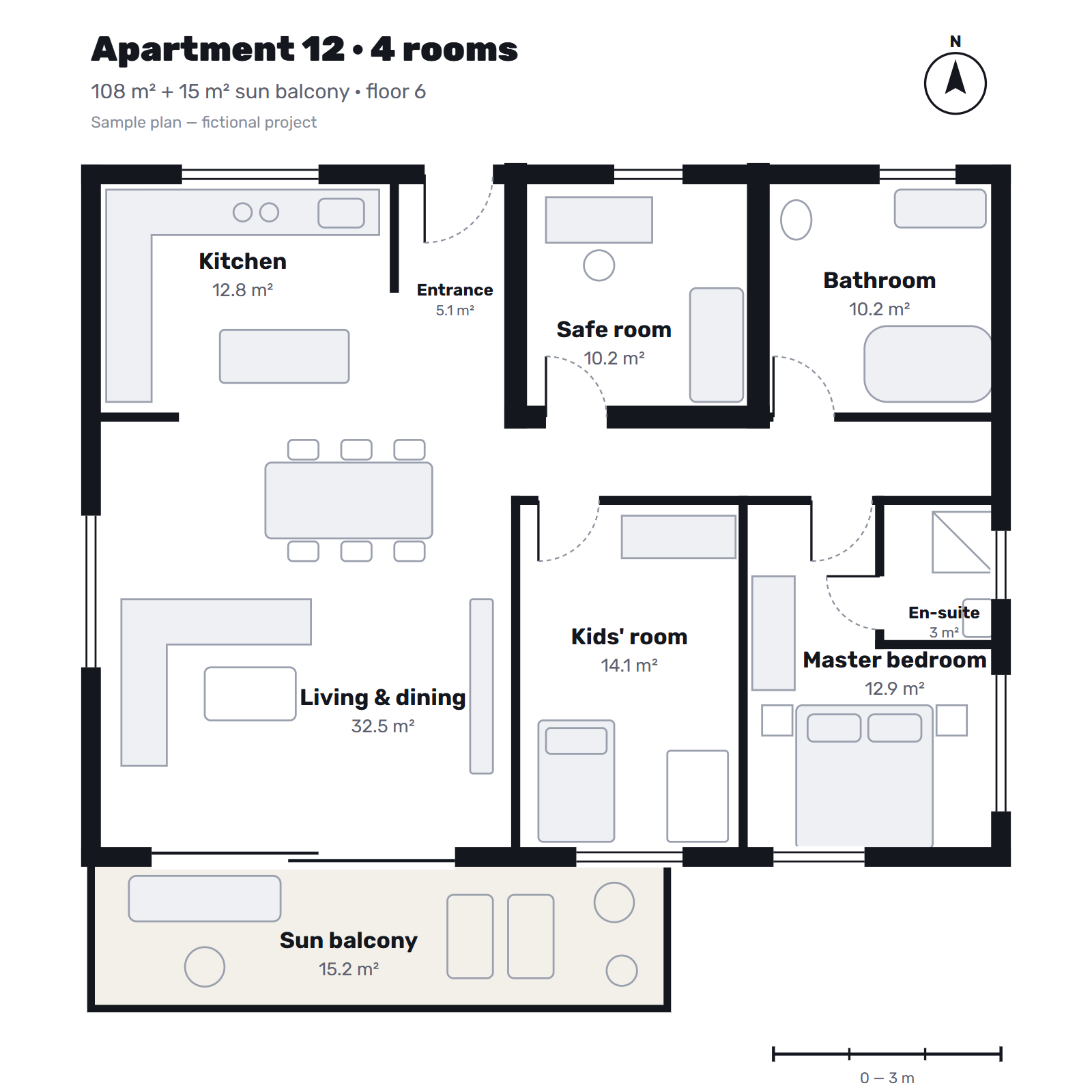
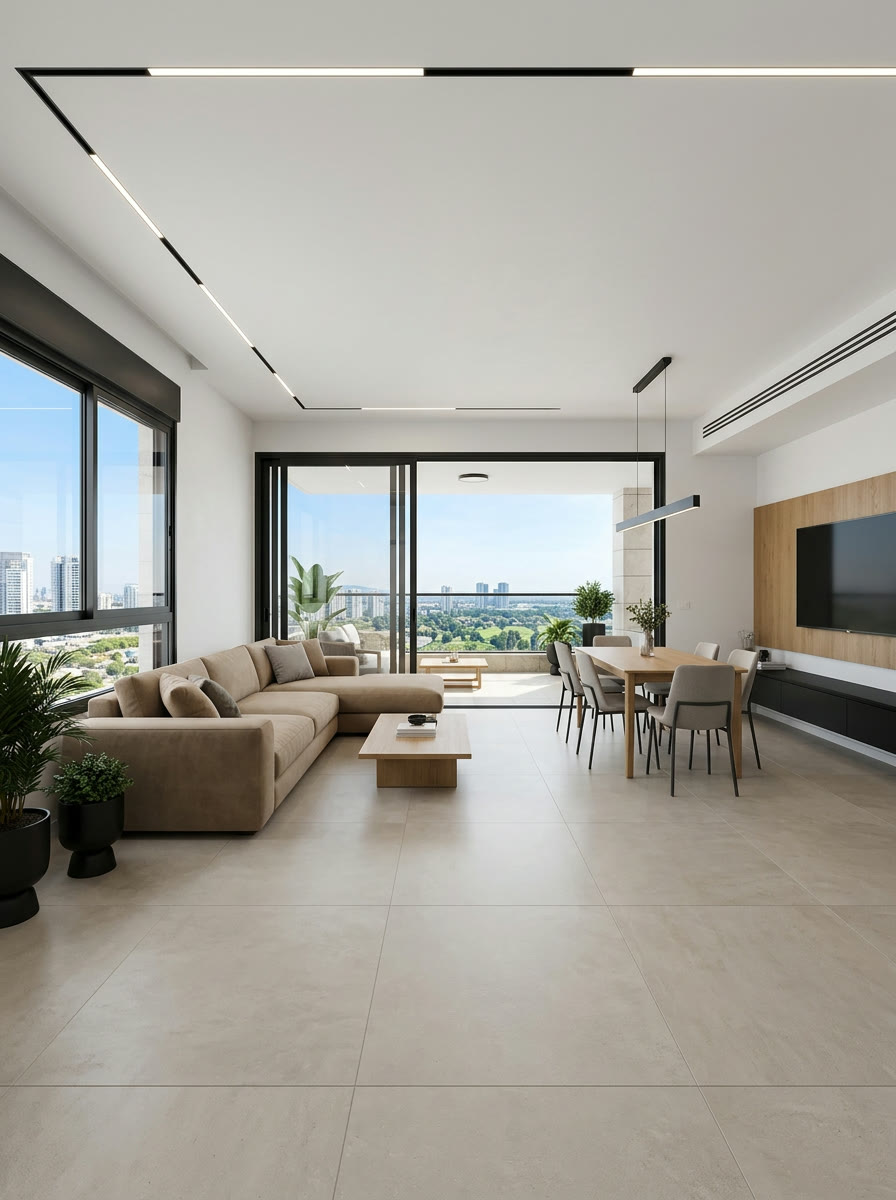
- 19 designs
- 9 languages
- Quality levels
- 9:16 · 1:1 · 16:9
Stage 2 of 9
Publish & schedule — once, and it keeps going
Connect your social accounts once. Schedule each reel from the calendar, or let Autopilot pick a good posting time for every connected network. Every network gets the format that fits it.
- Instagram, Facebook, TikTok, YouTube and LinkedIn · Reddit coming soon
- A link to the listing's page goes into every post
- A caption and hashtags ready for every post
- A posting calendar in the app — see and cancel any scheduled post
- Instagram9:16
- Facebook1:1
- TikTok9:16
- LinkedIn1:1
- YouTube9:16 · 16:9
- RedditSoon
Stage 3 of 9
Exposure — the listing is seen everywhere
Reels in the feed, a link on WhatsApp, the listing on Nadlaniko's listings page and on your own agent page. All of them lead to one address: the listing's page — yours.
- A clean link preview when you share on WhatsApp and Facebook
- The listing appears on Nadlaniko's public listings page
- An agent page with all your listings
- Reels in the feed
- Listings page
- Your agent page
Stage 4 of 9
Inquiries land on a dedicated listing page
An interested buyer lands on a landing page: a dedicated, premium listing page with your brand and your phone number, built to turn them into a lead. It shows the renders, floor plans, photos and reels you uploaded for the listing, including a view of each room when they click it on the floor plan and the option to generate a 3D view. Nadlaniko answers from the listing's knowledge base, books viewings of the property and puts meetings straight into your calendar.
- A contact form and a WhatsApp button
- Nadlaniko answers only from the listing's and your agency's knowledge base
- A “Book a viewing” button, and the meeting goes straight into your calendar
Can I come and see the duplex this week?
Next free slot: Tuesday 4:00 PM. I've booked your viewing.
Stage 5 of 9
Meetings — viewings straight into your calendar
An interested buyer taps “Book a viewing”, or books with Nadlaniko during the chat, and picks a time from your free slots. The meeting goes straight into Google Calendar, with their details and the listing they asked about.
- A “Book a viewing” button on every listing page
- Free slots only: busy times in your calendar are blocked
- A viewing, a phone call or a video call
Meetings
Synced with Google Calendar- Booked by the bot
- Viewing
- Call
- Busy
Stage 6 of 9
CRM — every lead, call and meeting in one place
Every inquiry becomes a client card with the listing they asked about, their budget, rooms and how serious they are. Add notes and a follow-up date, and meetings booked from the listing page go straight into Google Calendar.
- Stages: new, contacted, meeting, offer, closed
- An email to you on every new lead
- Synced with Google Calendar: busy times blocked, meetings added
Leads
New lead
 Emma Carter6-room duplex with terrace · $720K – $830KHotNew
- Daniel Brooks6-room duplex with terrace · $780K – $890KHotMeeting
 Olivia HayesGarden apartment, 3 bed · $580K – $690KWarmContacted
 Michael ReedPenthouse with sea view · $1.1M – $1.3MColdNew
Stage 7 of 9
Sellers, buyers — and the matches between them
Keep sellers and landlords with their properties, and buyers and renters with what they're looking for. The system checks every buyer against every listing, scores the fit from 1 to 5 stars, and tells you when a strong match shows up — with a message ready to send.
- Scored on budget, area, rooms, size, floor and must-haves
- In-app and email alerts, from the star score you set
- A drafted WhatsApp or email message for the buyer
Stage 8 of 9
More exclusives — videos that market you
Before you meet an owner, send a video that shows how you'll market their home. Between listings, a self-promo video and a podcast episode build your name in the area.
- An exclusive-pitch video for the property owner
- A self-promo video: who you are, where you work, why choose you
- A podcast-style episode, with short clips for reels
Stage 9 of 9
Closings — and the loop starts again
Deal closed? Move the lead to “closed” and make a SOLD! reel that thanks the clients and tells the next owner: you could be next. It goes into the posting calendar — and the loop starts again.
- A SOLD! or RENTED! reel in four designs
- Every closing becomes content that speaks to the next owner
- Back to stage 1 with the next listing
What you get in one account
- Listing reels with you or a presenter, in 9 languages
- Virtual staging and photos that move
- Renderings for off-plan listings — from the floor plan
- Posting and scheduling to social, plus Autopilot
- A landing page for every listing, where Nadlaniko answers and books viewings
- Exposure on the listings page and your own agent page
- A lead CRM with stages, notes and follow-up dates
- Meetings booked into Google Calendar
- Seller and buyer management with automatic matches
- Exclusive-pitch, self-promo, podcast and SOLD! videos
Some tools depend on your plan. The full comparison is on the pricing page.
Your next listing is ready for its close-up
Open an account, choose a plan or credits, and upload your first listing.